
PSD (Photoshop Document) Definition
PSD (Photoshop Document) is the native file format of Adobe Photoshop, primarily used for image editing and graphic design. It supports layers for non-destructive editing, allowing users to preserve original pixel data and make adjustments without affecting the original image. PSD files also accommodate various color modes and can include transparency, vector, and pixel-based elements. While they are vital for diverse design applications, understanding their specifications and limitations is important for effective workflow management. More details follow.

Quick Summary
- PSD (Photoshop Document) is Adobe Photoshop’s native file format for storing layered image data, enabling non-destructive editing.
- It supports transparency, vector, and pixel-based elements, making it versatile for graphic design and image editing.
- The maximum file size for a PSD is 2 GB, accommodating extensive graphic projects while maintaining performance.
- PSD files are widely used in various design applications, including web design, app mockups, and commercial printing preparations.
- The format ensures compatibility with other Adobe software, enhancing collaborative workflows and project management across different platforms.
Core Definition of PSD
The Photoshop Document (PSD) is the native file format of Adobe Photoshop, designed specifically to facilitate image editing and graphic design. The PSD Core Definition emphasizes its capacity to store editable image data with layers, enabling non-destructive editing. This format supports transparency, vector and pixel-based elements, and accommodates specialized data essential for graphic design services. PSD files support multiple layers, allowing for intricate design adjustments without affecting the overall composition. Also, the PSD format has a maximum file size of 2 gigabytes, which allows for extensive and detailed graphic projects. PSD files are regarded as the industry standard for digital image editing, making them indispensable for professionals in the field.

18 Free One-Page PSD Web Templates in 2025 - Colorlib by colorlib.com
Simplify Your PSD Workflow with 10 Best PSD File Viewer Tool ... by eagle.cool
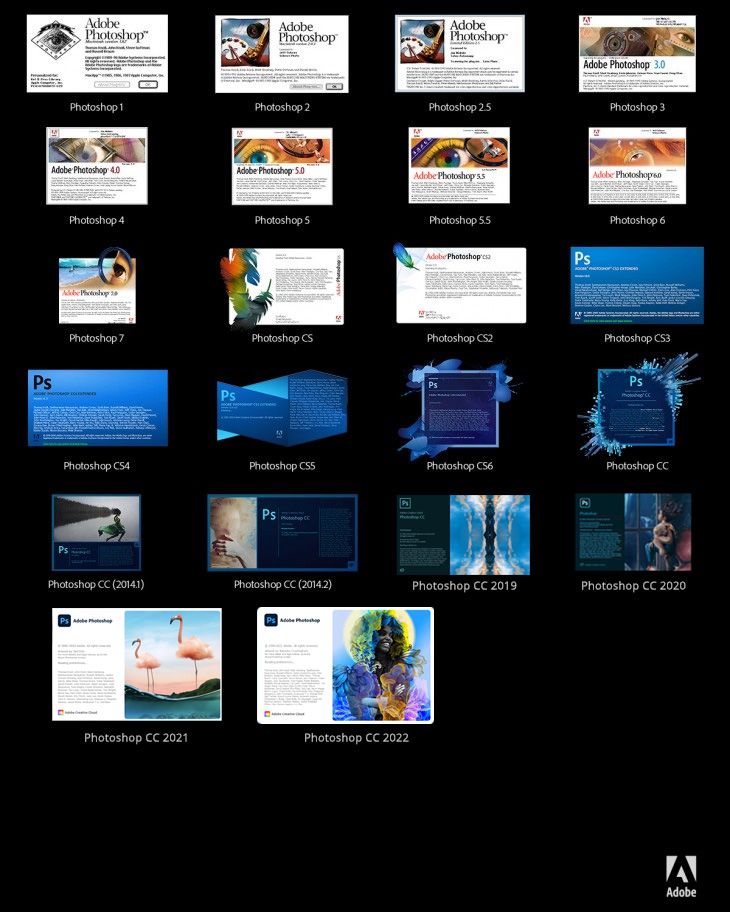
Adobe Photoshop: All Versions List 1990-2025 by psd-dude.com
Key Features of PSD Files
Key features of PSD files contribute greatly to their functionality and versatility in graphic design and image editing. Their layered structure and editing capabilities allow for non-destructive edits, preserving original pixel data while supporting complex compositions. PSD files support various color modes, guaranteeing accurate representation across digital and print formats. The inclusion of embedded elements facilitates a non-destructive workflow, enabling the use of masks, adjustment layers, and smart objects. Additionally, other software compatibility and workflow optimization across various platforms enhance the editing experience, allowing for streamlined processes and efficient project management. These features make PSD files essential tools for professionals in creative fields.
Learn how to fix
Common Use Cases for PSD
Common use cases for PSD files span various domains within design and image editing, demonstrating their versatility and functionality.
Graphic designers frequently utilize PSDs for creating intricate web design layouts and mobile app mockups, leveraging layer management for streamlined workflows. Document templates in Photoshop allow designers to create reusable elements that enhance productivity and creativity. Adobe Illustrator’s vector graphics editor capabilities can complement PSD files for high-quality designs. Offset printing technology is often employed for producing high-quality visuals in printed materials, making PSD files essential for preparing files for this process.
In commercial printing, PSDs serve as the foundation for designing business cards, brochures, and advertising materials, ensuring accurate color profiles.
Packaging mockups rely on PSDs to visualize product designs, allowing for precise adjustments before production. This digital format supports complex image editing tasks, making it essential for professionals across various creative industries.
Technical Specifications of PSD
Technical specifications of the PSD format delineate its structure and functional capabilities, which are pivotal for image editing and design workflows.
The PSD maximum dimensions are 30,000 pixels in height and width, with a file size limit of approximately 2 GB. The PSD format supports five major parts that contribute to its comprehensive functionality. The document status bar displays important information such as file size and magnification, which aids in efficient workflow management.
Layer preservation allows separate editability of images and text, while various color modes and depth support, including RGB and CMYK, enable versatile workflows. Notably, the PSD format ensures maximum compatibility with other Adobe applications, enhancing collaborative projects.
Supported features include embedded objects, layer masks, and compatibility within the Adobe ecosystem, ensuring seamless integration with applications like Illustrator and Premiere Pro, while retaining essential metadata for thorough project management.
Advantages Over Raster Formats
The PSD format offers significant advantages over traditional raster formats, primarily through its support for non-destructive editing and advanced layer management.
This digital file format allows designers and prepress technicians to maintain original pixel data while making adjustments on separate layers. With capabilities like complex compositing, alpha channel preservation, and smart object compatibility, the PSD format enhances flexibility during the design process. Unlike raster images, which can lose quality when resized, the PSD format preserves the integrity of the original image even during extensive editing. Also, PSD files can support higher pixel counts than some other raster formats, ensuring that detailed images retain their clarity. Also be aware that PSD files ensure maximum control over Photoshop files when used in other Adobe software, enhancing collaboration and workflow efficiency. Notably, the ability to store layered images is a distinct advantage that allows for more intricate designs and adjustments. Digital printing techniques, such as variable data printing, can further enhance the customization of designs created in PSD format.
Non-destructive editing advantages include editable layer styles and preserved adjustment layers, ensuring that modifications can be made without compromising the base image.
This functionality supports high-quality output and efficient workflows in various design and printing applications.

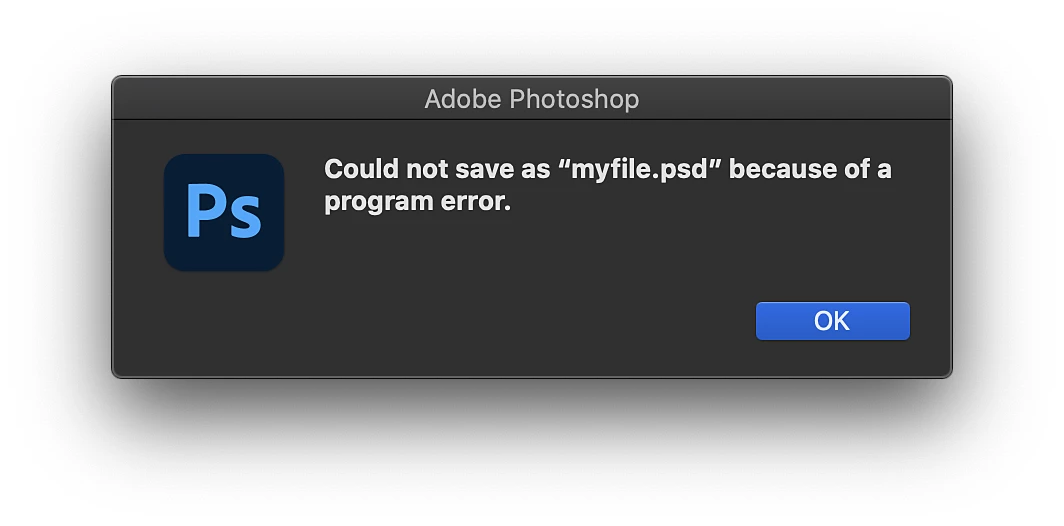
"Photoshop could not complete your request ... by helpx.adobe.com
Popular Wiki Terms:
Limitations and Considerations of PSD
Limitations and considerations of the PSD format are critical for users engaged in image editing and design.
PSD files face file size constraints, capping at 2GB, necessitating alternatives like TIFF or PSB for larger projects. Format compatibility issues arise, as PSB files are incompatible with older Photoshop versions, complicating collaboration. Files larger than 30,000 pixels may trigger error messages in Photoshop Elements, leading to potential workflow interruptions. Also, Photoshop’s limitations on maximum dimensions can also affect the saving options available for users. As high-resolution cameras often produce RAW files below the 2 GB limit, users may find themselves reaching this threshold quickly with complex projects.
Backward compatibility concerns emerge when mixing file types, as older software may reject certain layers. Hardware and performance challenges occur, with large files demanding substantial RAM and storage, potentially hampering workflow efficiency.
Understanding these limitations is essential for effective and streamlined image editing and design processes.
References & Data Sources:
https://cloudinary.com/guides/image-formats/understanding-psd-complete-guide – Retrieved April 6, 2025
https://www.painterartist.com/en/file-formats/psd-file/ – Retrieved April 8, 2024
https://www.adobe.com/creativecloud/file-types/image/raster/psd-file.html – Retrieved January 8, 2025
https://colorlib.com/wp/one-page-psd-web-templates/ – Retrieved April 1, 2025
https://eagle.cool/blog/post/psd-file-viewer – Retrieved April 8, 2025
https://www.psd-dude.com/tutorials/resources/adobe-photoshop-twenty-five-years-anniversary-infographic.aspx – Retrieved April 8, 2025
https://pixcap.com/glossary/psd – Retrieved April 8, 2025
https://www.lenovo.com/us/en/glossary/psd/ – Retrieved April 8, 2025
https://helpx.adobe.com/photoshop/using/create-documents.html – Retrieved April 8, 2025
https://224664-286886.apps-06.cloudsonic.dev/term/adobe-illustrator/ – Retrieved April 7, 2025
https://224664-286886.apps-06.cloudsonic.dev/term/offset-printing/ – Retrieved April 7, 2025
https://www.adobe.com/devnet-apps/photoshop/fileformatashtml/ – Retrieved April 7, 2025
https://helpx.adobe.com/photoshop/using/image-information.html – Retrieved April 7, 2025
https://helpx.adobe.com/photoshop/using/file-formats.html – Retrieved April 7, 2025
https://www.adobe.com/creativecloud/file-types/image/raster.html – Retrieved April 7, 2025
https://www.adobe.com/creativecloud/file-types/image/comparison/raster-vs-vector.html – Retrieved April 7, 2025
https://community.adobe.com/t5/photoshop-ecosystem-discussions/does-psd-have-any-advantage-over-tiff/td-p/14619150 – Retrieved April 7, 2025
https://224664-286886.apps-06.cloudsonic.dev/term/tiff-tagged-image-file-format/ – Retrieved April 7, 2025
https://224664-286886.apps-06.cloudsonic.dev/term/digital-printing/ – Retrieved April 7, 2025
https://helpx.adobe.com/photoshop/kb/program-error-opening-psd.html – Retrieved April 7, 2025
https://www.pixeladies.com/tech-tuesday-photoshop-file-size-limit/ – Retrieved April 7, 2025
https://community.adobe.com/t5/photoshop-ecosystem-discussions/quot-save-as-pdf-quot-size-limitations/td-p/14581826 – Retrieved April 7, 2025
https://jonpfischer.com/archives/1432 – Retrieved April 7, 2025