
DWG (Drawing File Format) Definition
DWG is a proprietary binary file format created by Autodesk that supports 2D and 3D design data in computer-aided design (CAD) applications. It is widely used in architecture, engineering, and urban planning for creating technical drawings. The file structure includes metadata, geometric entities, and layered data, facilitating effective communication among stakeholders. Compatibility extends to various CAD applications, although version-specific challenges may arise. Understanding DWG’s components and applications reveals its significance in design workflows.
Definition and Basics of DWG
The DWG file format is a proprietary binary format developed by Autodesk, primarily used for storing 2D and 3D design data, along with associated metadata for technical drawings.
It is the industry standard for CAD software, such as AutoCAD, facilitating the creation of blueprints and engineering drawings. This format efficiently encapsulates geometry, annotations, and layered data while supporting hybrid workflows. It is commonly used in CAD applications, which further emphasizes its importance in the design and engineering fields. The format has undergone significant updates over the years, introducing features like file verification to enhance its reliability. Also be aware that the importance of browser compatibility is crucial when accessing DWG files for seamless integration with various CAD applications.
It also includes essential metadata, such as authorship and revision history. As a result, DWG files play a crucial role in technical document printing across various sectors, including architecture, engineering, and urban planning, ensuring precise and effective communication of design intent.
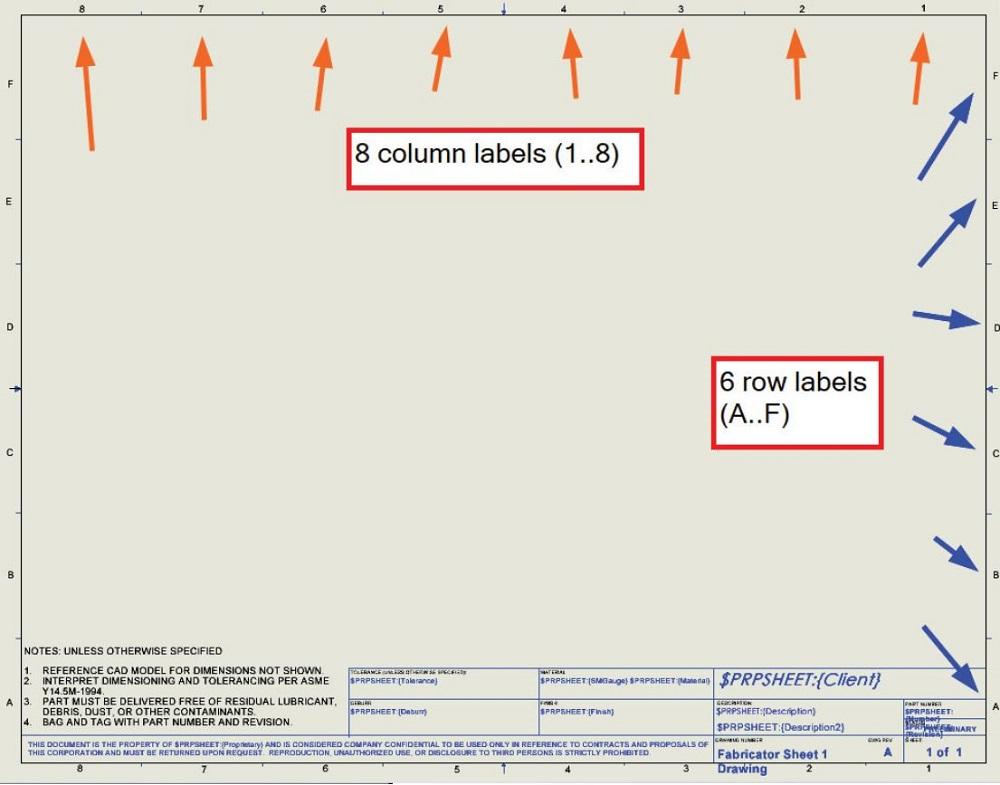
Simplifying drawing template rework in 3D CAD modeling by thefabricator.com
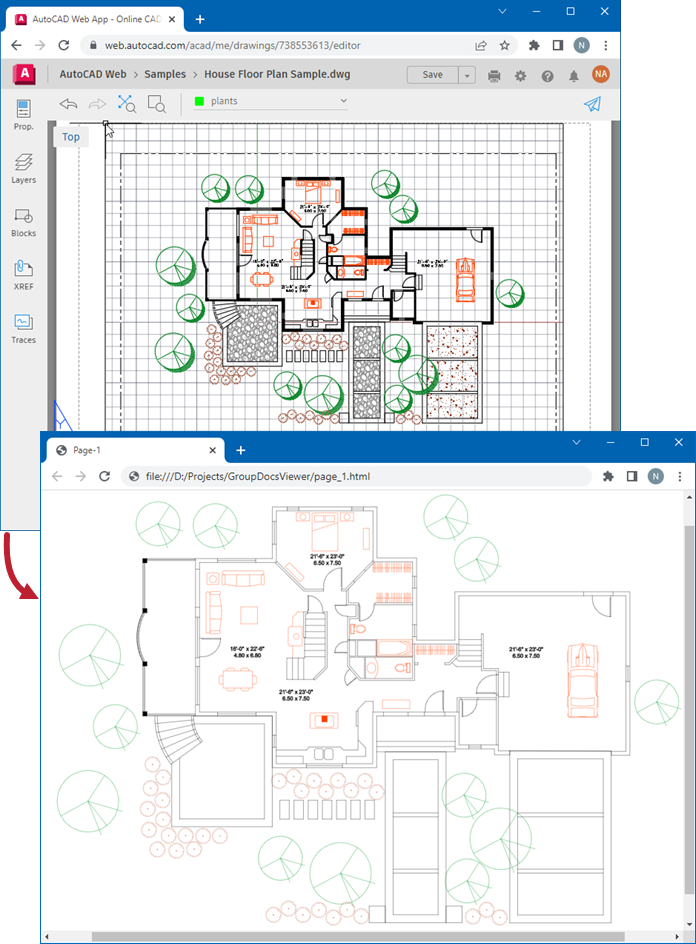
Render CAD drawings and models as HTML
File Structure Components
File structure components within the DWG file format are critical for organizing and managing design data effectively. Key elements include file header variables, which identify the version and store global settings. Entity storage encompasses geometric entities and dictionaries, structured in a hierarchical database-like format. The object map provides indexing for rapid object retrieval and may include an optional free space section for future modifications. Version-dependent implementations guarantee compatibility across different AutoCAD releases, utilizing padding and specific adjustments in class definitions. These components collectively enhance file integrity and facilitate efficient data management within the DWG framework. Also, the Robust file structure defined in the Open Design Specification ensures that the DWG format can evolve while maintaining backward compatibility with older versions. This format is widely used by architects, engineers, and designers for various design purposes, making it essential for those working with CAD programs.
Compatibility and Usage
Compatibility within the DWG file format is characterized by its support across various CAD applications, including DraftSight, ZWCAD, and IntelliCAD. This cross-platform compatibility facilitates seamless CAD plotting and file conversion to PDF or TIFF, enhancing usability across different industries. Nevertheless, version-specific challenges arise, as newer AutoCAD versions may not fully support older .dwg formats without specialized tools. Users often retain legacy workflows for compatibility, necessitating audit and recovery solutions for corrupted files. Third-party plugins can address format mismatches, ensuring efficient collaboration and maintaining metadata integrity throughout the design and documentation processes. The DXF format was developed to avoid .dwg limitations, providing an alternative for users needing to exchange data with other CAD software. User feedback may also help to improve compatibility issues in future updates.
Technical Specifications
Characterized by a binary structure, the DWG file format serves as a foundational element in computer-aided design (CAD). This proprietary format, owned by AutoDesk, utilizes vector graphics to store both 2D and 3D design data compactly. Its binary encoding enables efficient data handling, while encryption guarantees file security. Various versions maintain backward compatibility, facilitating consistent use across different software. DWG files support both 2D and 3D image manipulation, making them versatile for various design applications. Editing software, such as AutoCAD and TurboCAD, allows users to create and modify these files, which are essential for large format printing. The systematic storage of data enhances retrieval, making DWG files indispensable for technical applications in various industries.
and image files ... by docs.groupdocs.com
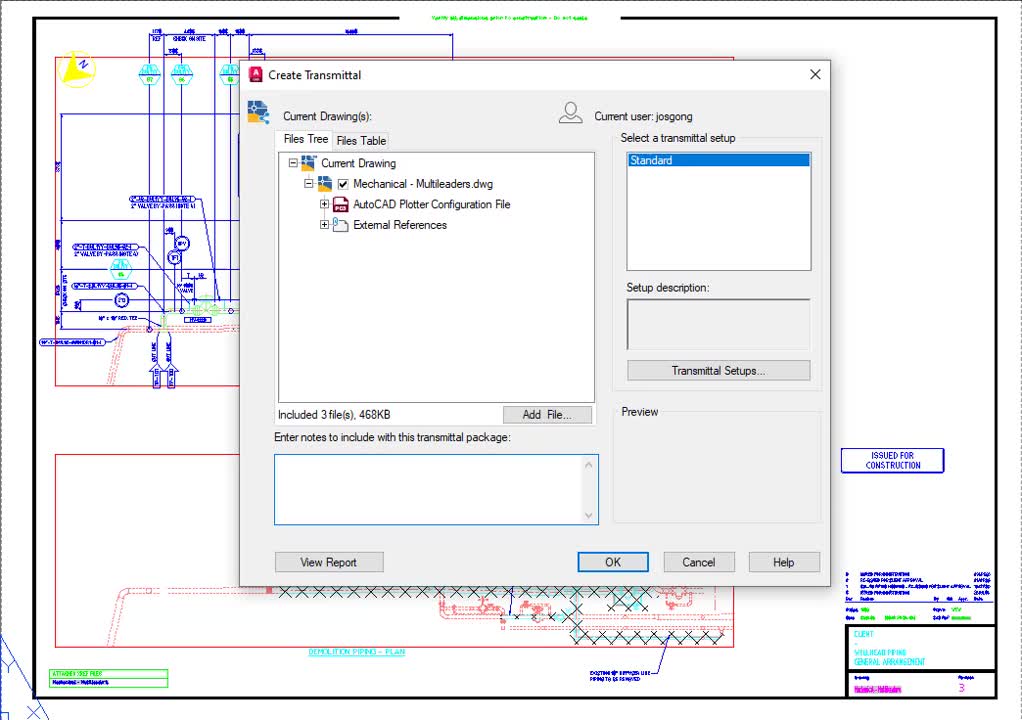
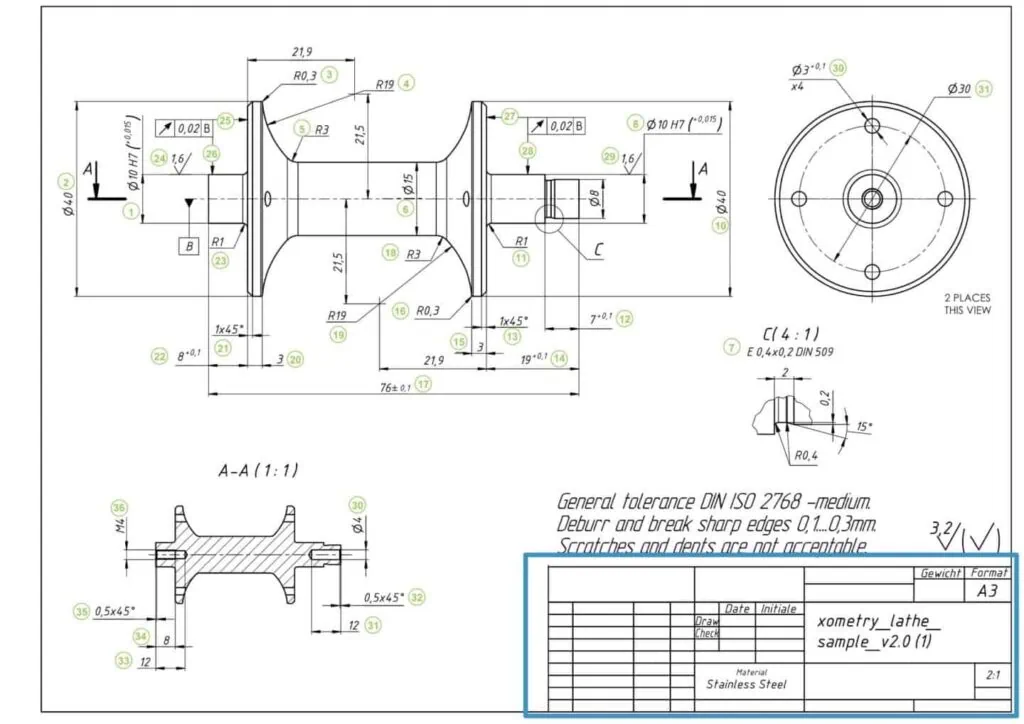
How to Prepare a Perfect Technical Drawing by xometry.pro
Metadata and Data Types
Metadata and data types within the DWG file format are integral components that enhance the functionality and usability of design files.
DWG files utilize binary encoding to store both vector data and various types of metadata. This includes author, file, and location data, as well as project metadata, which provides essential context for the design. The encoded vector data informs CAD applications on rendering, ensuring accurate representation in both 2D and 3D formats. Such organization within the DWG structure not only supports efficient data management but also facilitates collaboration among stakeholders involved in design and engineering projects. Additionally, DWG files’ compatibility with AutoCAD makes them a preferred choice for many CAD professionals.
Popular Wiki Terms:
Industry Applications
The DWG file format finds extensive application across various industries due to its capability to encapsulate detailed design data and facilitate collaboration among stakeholders.
In architecture, it serves as the standard for architectural plans, ensuring compliance with building codes. Engineers utilize DWG for drafting manufacturing schematics, road designs, and electrical layouts. Urban planning proposals benefit from its precision in modeling public spaces. The format enhances the creation of construction bidding documents, streamlining communication between contractors and clients. Also, architectural CAD software often contains templates and a library of components that improve the design process. DWG files also support cross-referencing between disciplines, allowing for effective collaboration across different engineering and design sectors.
References & Data Sources:
https://www.spatial.com/glossary/what-is-a-dwg-file – Retrieved April 29, 2025
https://en.wikipedia.org/wiki/.dwg – Retrieved May 1, 2024
https://my.solidworks.com/reader/draftsightblogs/2024/03/05/what-is-a-dwg-file//what-is-a-dwg-file-draftsight-blog – Retrieved February 1, 2025
https://www.thefabricator.com/thefabricator/article/cadcamsoftware/simplifying-drawing-template-rework-in-3d-cad-modeling – Retrieved April 24, 2025
https://www.scan2cad.com/blog/dwg/file-spec/ – Retrieved May 1, 2025
https://docs.fileformat.com/cad/dwg/ – Retrieved May 1, 2025
https://www.adobe.com/creativecloud/file-types/image/vector/dwg-file.html – Retrieved May 1, 2025
https://www.cadinterop.com/en/formats/cad-systems/autocad.html – Retrieved May 1, 2025
https://www.zamzar.com/learn/what-is-a-dwg-file/ – Retrieved May 1, 2025
https://docs.groupdocs.com/viewer/java/render-cad-drawings-and-models/ – Retrieved April 30, 2025
https://xometry.pro/en/articles/prepare-technical-drawing/ – Retrieved April 30, 2025
https://www.mapserve.co.uk/blog/facts-about-dwg-files – Retrieved April 30, 2025
https://www.scan2cad.com/blog/dwg/how-different-industries-use-dwg/ – Retrieved April 30, 2025
https://www.cadcrowd.com/blog/how-different-industries-use-dwg-files-from-game-design-to-engineering/ – Retrieved April 30, 2025