
Adobe Acrobat Definition
Adobe Acrobat is a document management software suite developed by Adobe Inc. It enables users to create, edit, and manage PDF documents with various functionalities for individuals and businesses. Core features include document conversion, merging, splitting, and redaction. The software offers collaboration tools and security features like password encryption and digital signatures. There are different versions available, including Standard and Pro, with distinct functionalities and pricing models. Further exploration reveals additional details about its capabilities and offerings.

Quick Summary
- Adobe Acrobat is a document management software suite developed by Adobe Inc., launched in 1993 for creating and managing PDF files.
- It includes various products such as Acrobat Reader, Acrobat Standard, and Acrobat Pro, each with different features and functionalities.
- The software allows users to create, edit, merge, split, and secure PDF documents, enhancing workflow efficiency and collaboration.
- Acrobat Pro DC offers advanced features like multimedia integration, OCR editing, and batch processing tailored for professional users.
- Security features include password encryption and digital signatures to ensure document authenticity and protect sensitive information.
Overview of Adobe Acrobat
Adobe Acrobat is a thorough software suite developed by Adobe Inc. that serves as a cornerstone in document management, particularly centered around the creation and editing of Portable Document Format (PDF) files.
Launched in 1993, it initially aimed to compete with proprietary formats and has since evolved into a complete solution. The product family includes Acrobat Reader for viewing, Acrobat Standard for basic editing, and Acrobat Pro for advanced editing and conversion. Acrobat offers collaboration tools through Document Cloud, enhancing workflow efficiency. This integration of cloud storage makes it indispensable for industries that rely on precise document preparation and secure file sharing. With the addition of Adobe Acrobat Pro DC, users have access to enhanced PDF management capabilities that streamline the editing process. Also be aware that its powerful features available on desktop, mobile, and web ensure that users can manage documents efficiently from anywhere.
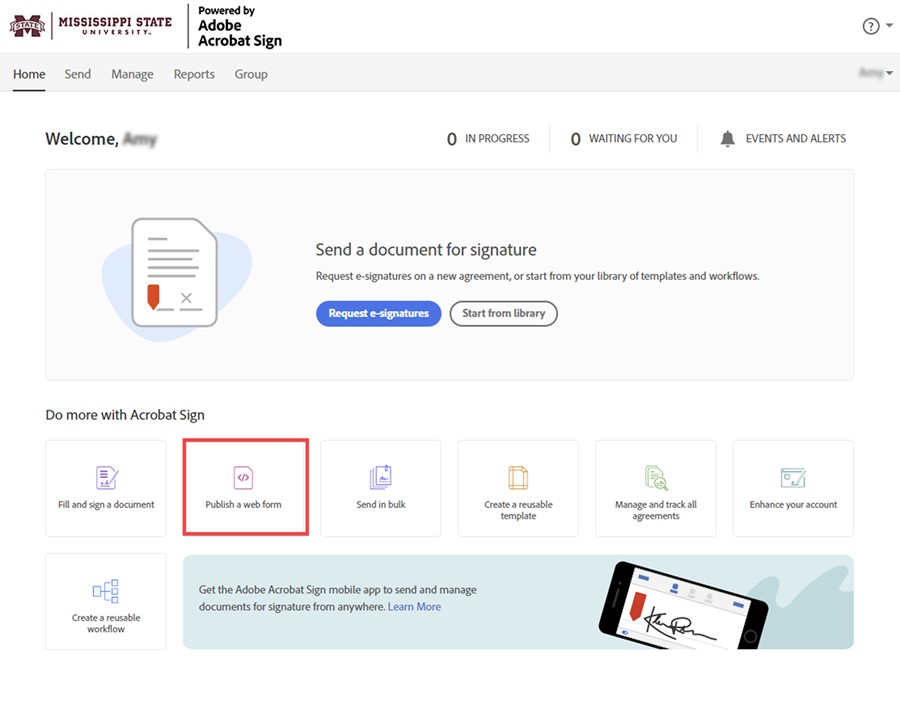
Article - Adobe Acrobat Sign - Create... by servicedesk.msstate.edu
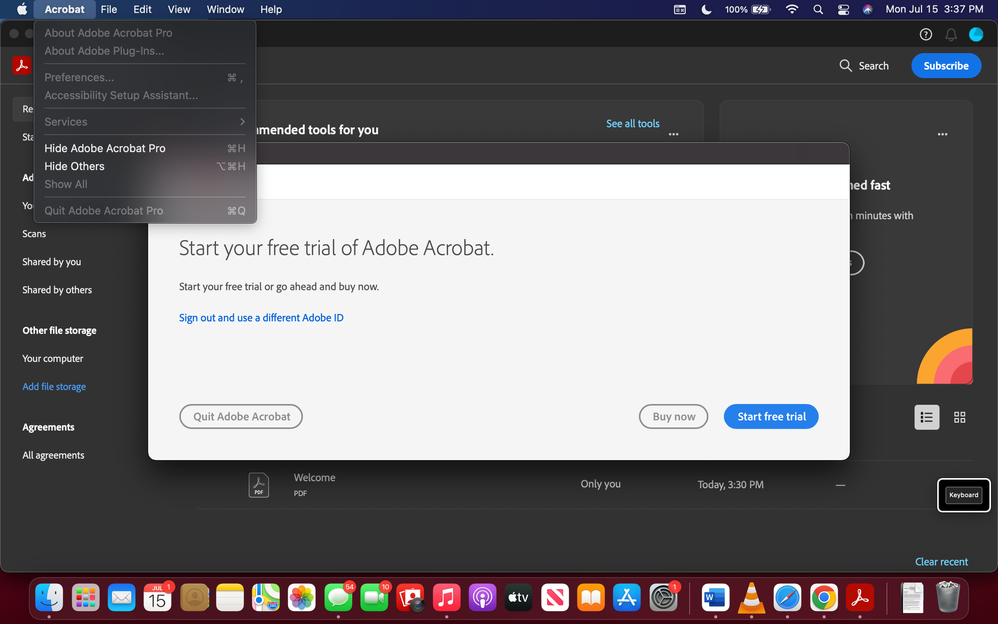
Adobe Acrobat DC quits when I close the "Start you... - Adobe ... by community.adobe.com
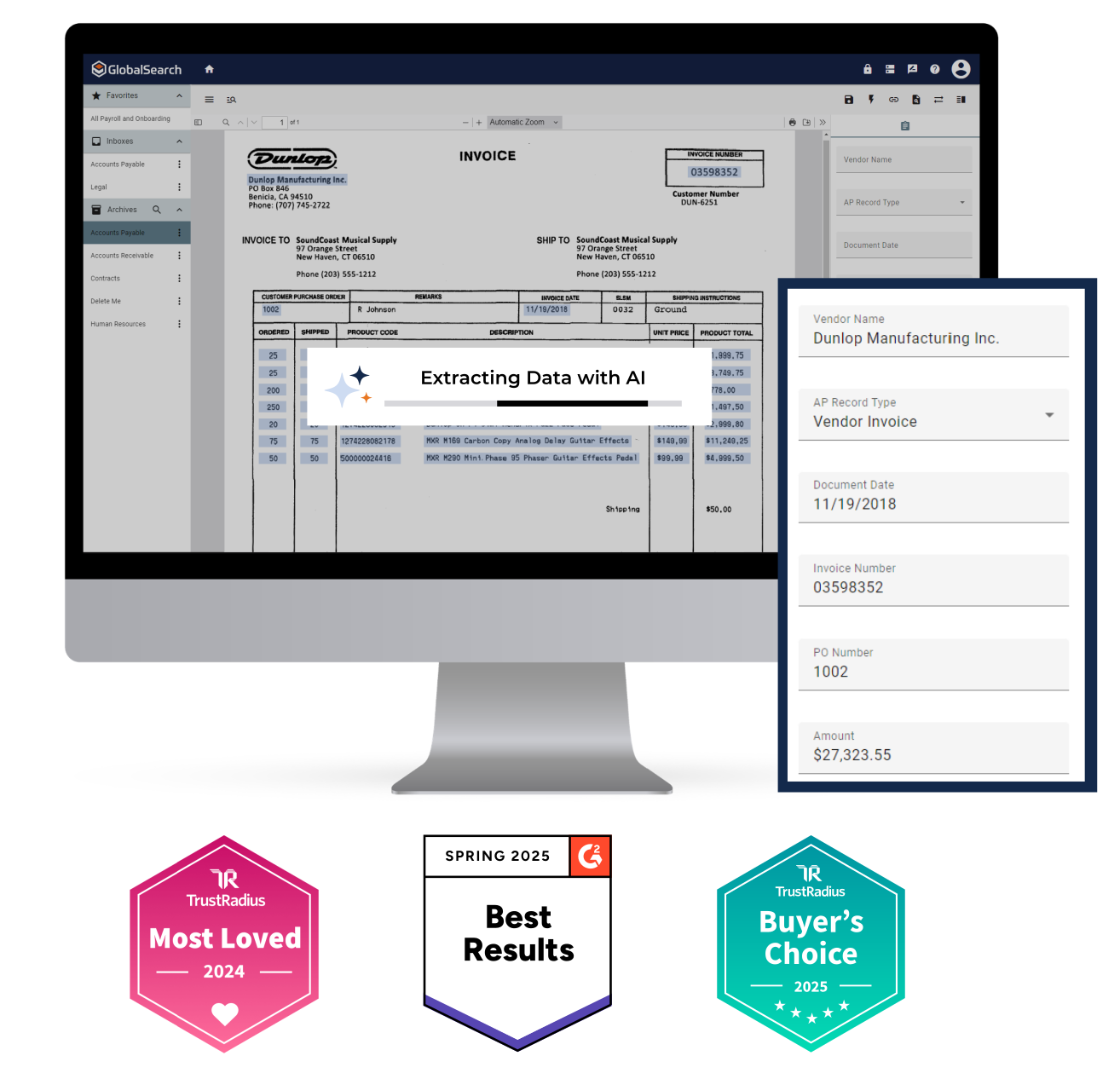
Business Document Management Software Company by square-9.com
Core Features and Functionality
The core features and functionality of Adobe Acrobat encompass a thorough suite of tools designed to streamline document management processes.
Users can perform document creation and editing by converting various file formats to and from PDF, merging or splitting documents, and redacting sensitive information. Additionally, Adobe Acrobat enhances remote work access and efficiency through high-quality PDF file creation and sharing, allowing users to collaborate seamlessly. Also be aware that its ability to Access Anywhere ensures that users can work from any location, maintaining productivity regardless of device type. Management Information Systems are also crucial for businesses to efficiently manage documents and workflows alongside tools like Adobe Acrobat.
Collaboration tools allow for annotations, secure sharing, and real-time feedback tracking. Security and compliance measures include password protection, audit trails, and adherence to industry standards. Document Cloud services employ leading-edge security practices to protect user data and ensure confidentiality.
These features collectively enhance workflow efficiency and guarantee that documents remain secure and compliant with regulatory requirements, serving the needs of professionals across multiple sectors.
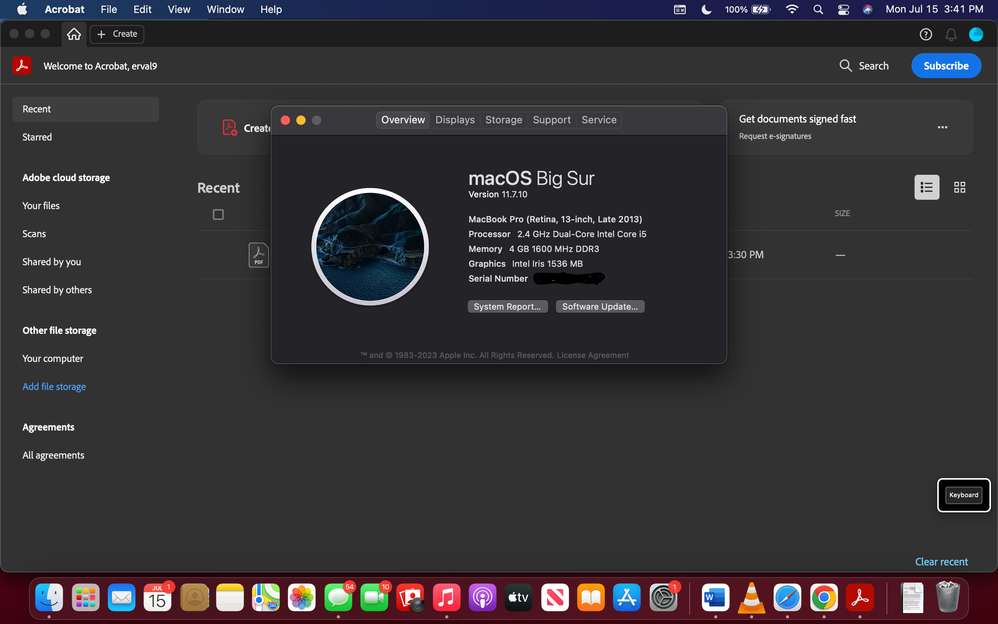
Adobe Acrobat DC quits when I close the "Start you... - Adobe ... by community.adobe.com
Version Differences: Standard vs. Pro
Version differences between Standard and Pro editions of Acrobat are significant, catering to distinct user needs and professional requirements.
The Pro version is tailored for advanced functionalities, including multimedia integration, batch processing, and extensive PDF conversion. It excels in areas crucial for commercial printing and print production, such as prepress file preparation and scanned document handling. The Pro version includes additional features not available in Standard, enhancing its value for professionals. Also, the Pro version includes OCR capabilities, allowing users to edit scanned documents effectively. Adopting ISO Print Standards can further enhance the reliability and quality of printed outputs when using Acrobat Pro. The Pro version’s capabilities make it especially beneficial in modern digital printing environments, where high-quality outputs are essential.
Standard, while suitable for basic tasks, lacks features like OCR editing and redaction tools.
Pricing models also differ, with Pro offering a higher subscription cost but enhanced capabilities, making it more appropriate for professionals in graphic design and print management who require robust document management tools.
Security and Protection Features
Security features within Acrobat are designed to protect sensitive information and guarantee document integrity. The software employs password encryption to control access, allowing users to specify permissions for opening, editing, or printing PDFs. It also supports digital signatures, which validate document authenticity and ensure that content remains untampered. Security envelopes further enhance protection by embedding files within encrypted containers, facilitating secure delivery. Additionally, content security measures provide control over PDF-based workflows to ensure sensitive information is handled appropriately. Enhanced security settings restrict risky actions and warn users about untrustworthy documents, and enhanced security is enabled by default to provide a safer user experience. Overall, these features work collectively to guarantee a secure environment for handling critical information in a variety of professional contexts. Also, password protection allows only designated individuals to access sensitive PDFs, adding an extra layer of security to the document management process.
Document Management and Collaboration
Document management and collaboration functionality in Adobe Acrobat enhances productivity and efficiency in various professional environments.
The platform allows graphic designers and other professionals to manage documents seamlessly, facilitating effective proofing and approval workflows. Users can create, edit, and share PDFs while utilizing cloud-based storage for easy retrieval. This capability streamlines the review process, ensuring that all stakeholders can access the latest versions of documents in real-time. By integrating these tools, Adobe Acrobat supports the complex needs of industries such as commercial printing and publishing, ultimately promoting enhanced collaboration and improved project outcomes. It leverages document management systems to organize and secure files, further optimizing the workflow. Also, Adobe Acrobat’s version control feature ensures that teams can track document changes over time, maintaining consistency and accuracy throughout the project lifecycle. Also be aware that the integration of automation tools allows users to create workflows that enhance operational efficiency and reduce reliance on physical paperwork. Also, utilizing digital printing technology allows for high-quality outputs that can be easily integrated into the document management process. Also be aware that the use of PDF format is crucial for maintaining layout consistency across various devices and platforms, ensuring that all users experience the document as intended.
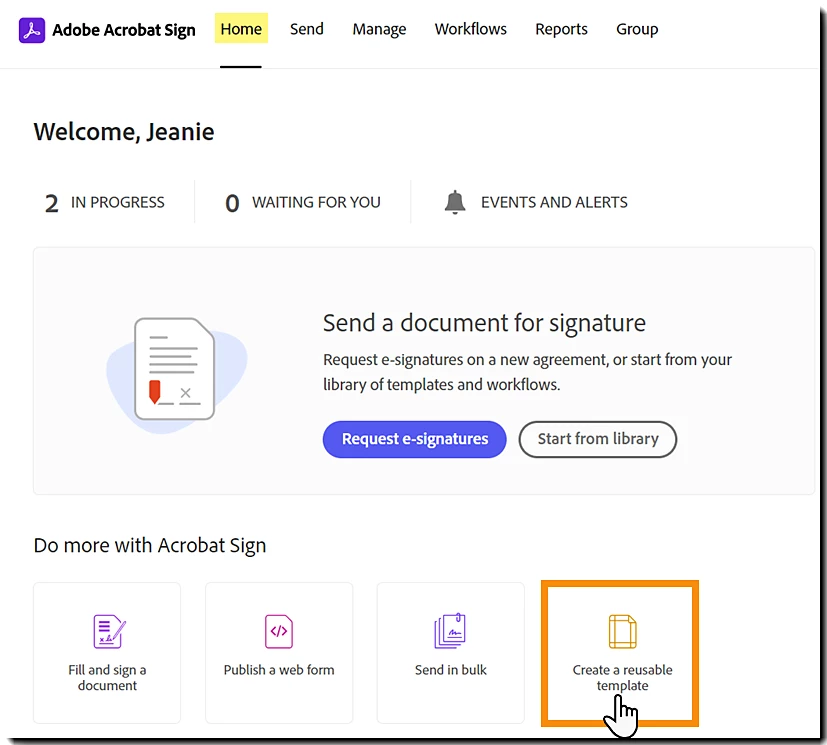
Create and manage document templates by helpx.adobe.com
Popular Wiki Terms:
Pricing and Availability
Pricing for Adobe Acrobat varies based on the plan selected, catering to individuals, teams, and educational users. Individual plans include Acrobat Standard at $12.99/month and Acrobat Pro at $19.99/month, with features tailored for professionals in publishing and print production management. Team licenses require annual commitments, with Acrobat Standard for Teams priced at $14.99 and Acrobat Pro at $16.99 per license. Educational users benefit from discounted rates, such as Acrobat Pro for Education at $14.99/month. All plans support PDF/X standards, ensuring compatibility in prepress file preparation and collaboration, essential for effective print production workflows. Additionally, Microsoft Online offers free file conversion to PDFs, which can complement Adobe Acrobat’s functionalities. The differences between Acrobat Premium and Pro can influence a user’s decision based on their needs and budget. It’s important to note that the Acrobat Standard subscription is currently inactive, which may impact access to necessary features.
References & Data Sources:
https://licendi.com/en/blog/what-is-adobe-acrobat+/ – Retrieved April 6, 2025
https://www.adobe.com/acrobat.html – Retrieved April 8, 2024
https://servicedesk.msstate.edu/TDClient/45/Portal/KB/ArticleDet?ID=1946 – Retrieved January 8, 2025
https://community.adobe.com/t5/acrobat-discussions/adobe-acrobat-dc-quits-when-i-close-the-quot-start-your-free-trial-of-adobe-acrobat-quot-pop-up/td-p/14740728 – Retrieved April 1, 2025
https://www.square-9.com/ – Retrieved April 8, 2025
https://www.nobledesktop.com/learn/adobe-acrobat/what-is-adobe-acrobat – Retrieved April 8, 2025
https://www.adobe.com/acrobat/pricing/compare-versions.html – Retrieved April 8, 2025
https://224664-286886.apps-06.cloudsonic.dev/term/mis-management-information-system/ – Retrieved April 8, 2025
https://www.adobe.com/acrobat/pdf-reader.html – Retrieved April 8, 2025
https://pdf.wondershare.com/pdf-software-comparison/adobe-acrobat-standard-vs-pro.html – Retrieved April 7, 2025
https://tolarsystems.com/adobe-acrobat-standard-vs-pro-which-is-right-for-your-business/ – Retrieved April 7, 2025
https://224664-286886.apps-06.cloudsonic.dev/term/iso-print-standards/ – Retrieved April 7, 2025
https://224664-286886.apps-06.cloudsonic.dev/term/xerox-versant/ – Retrieved April 7, 2025
https://www.adobe.com/devnet-docs/acrobatetk/tools/AppSec/index.html – Retrieved April 7, 2025
https://helpx.adobe.com/acrobat/using/enhanced-security-setting-pdfs.html – Retrieved April 7, 2025
https://helpx.adobe.com/acrobat/using/choosing-security-method-pdfs.html – Retrieved April 7, 2025
https://www.adobe.com/acrobat/resources/home-document-management.html – Retrieved April 7, 2025
https://www.documentlocator.com/features/adobe-document-management/ – Retrieved April 7, 2025
https://224664-286886.apps-06.cloudsonic.dev/term/digital-printing/ – Retrieved April 7, 2025
https://224664-286886.apps-06.cloudsonic.dev/term/pdf-portable-document-format/ – Retrieved April 7, 2025
https://helpx.adobe.com/sign/using/create-document-template.html – Retrieved April 7, 2025
https://www.trustradius.com/products/adobe-acrobat/pricing – Retrieved April 7, 2025
https://community.adobe.com/t5/acrobat-discussions/differences-between-acrobat-premium-amp-acrobat-pro/td-p/14469743 – Retrieved April 7, 2025
https://community.adobe.com/t5/acrobat-discussions/what-does-acrobat-standard-provide/td-p/14438119 – Retrieved April 7, 2025